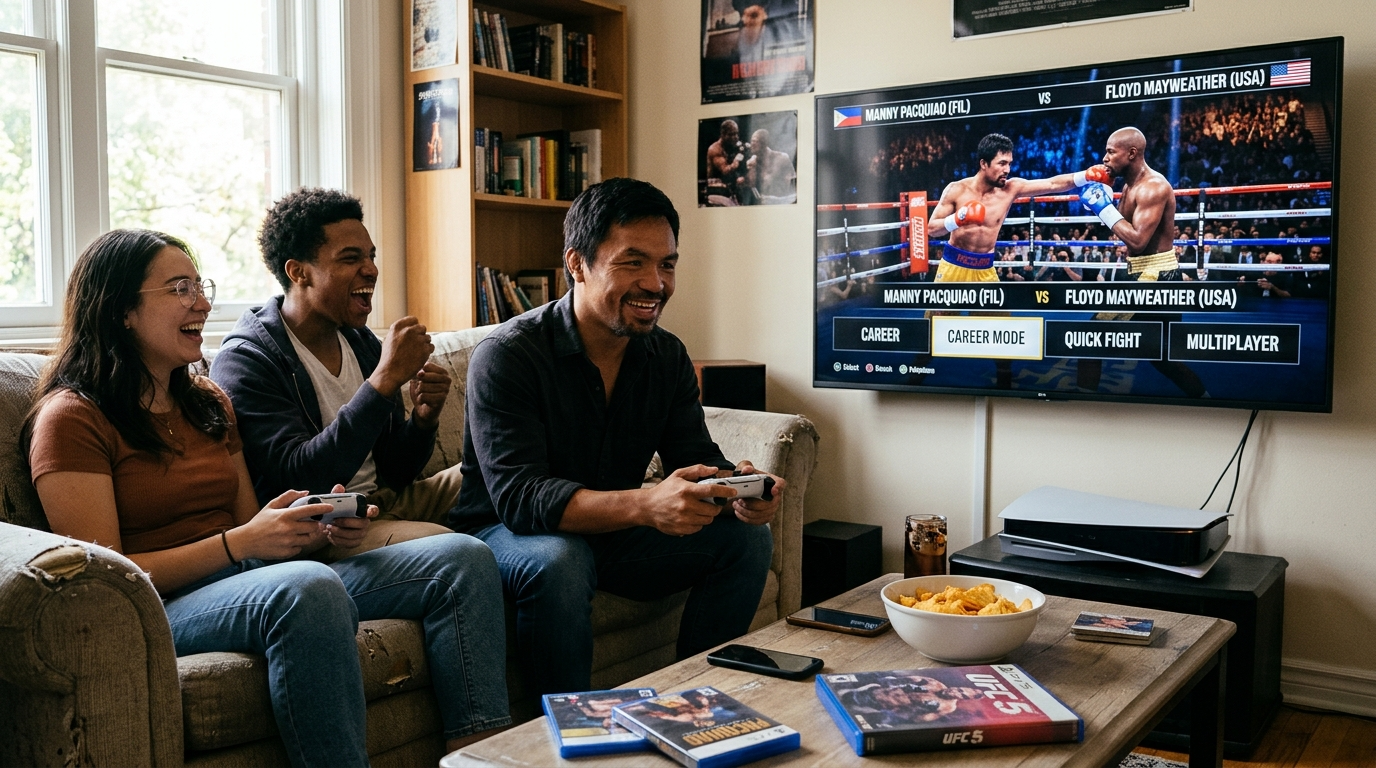
The manny pacquiao boxing game brings a mobile take on the sport to Android, letting players throw punches, dodge incoming attacks, and climb through career and arcade modes. Whether you are new to boxing games or simply want a clearer picture of how the controls work, this guide covers everything from installing the app to mastering swipe gestures. You will also find mode overviews, opponent strategies, and fixes for common sign-in and connection problems.
manny pacquiao boxing game Overview: What the Game Offers
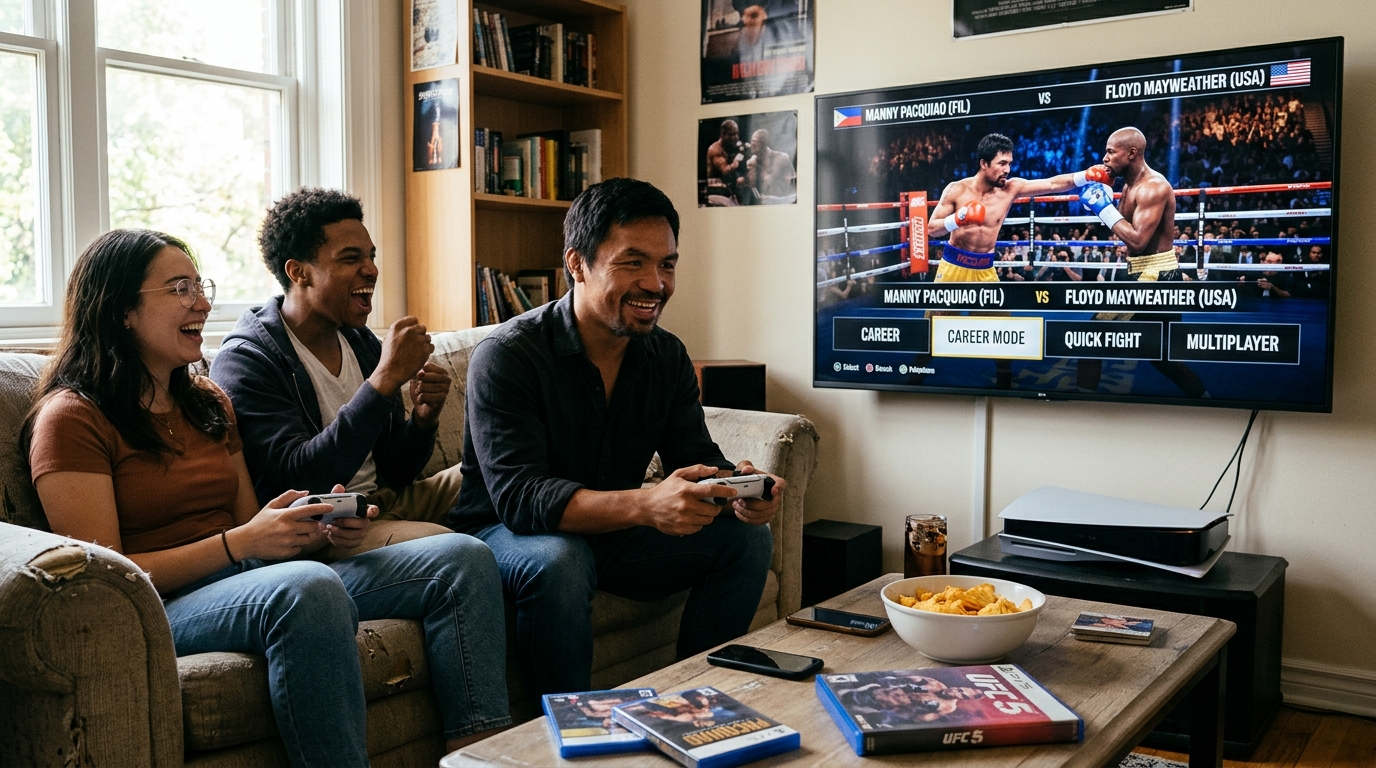
What the Pacquiao Boxing Game Is and Who It Suits
The manny pacquiao boxing game is a mobile boxing title built around the legendary Filipino boxer. Players step into the ring, throw punches, and develop a fighter from the ground up. It works well for several types of players.
- Casual players enjoy short matches that fit into a commute or break.
- Boxing fans appreciate the focus on footwork, defense, and timing.
- Newcomers can learn the basics without a steep learning curve.
For example, a player with five spare minutes can finish one quick bout. A dedicated fan might follow a full career path over several weeks.
Core Gameplay Loop in Pacquiao Boxing Game: Punch, Defend, and Win
Every fight follows a simple cycle. You attack, you defend, and you look for openings to win rounds.
- Attack: Land clean punches to build damage and earn points.
- Defend: Block or dodge incoming shots to protect your stamina.
- Recover: Use brief pauses to regain energy and read your opponent.
- Win rounds: Outscore your rival or deliver a knockout to take the bout.
Timing drives this loop. Wild, constant punching drains stamina fast. Therefore, patient players often outlast aggressive opponents.
Tip: Watch your opponent’s first few moves in each round. Commit to combinations only after you spot a pattern.
Key Features of the Pacquiao Boxing Game at a Glance
Several features set the game apart from simpler mobile boxing titles. In addition, they support both quick sessions and long-term progress.
- Multiple game modes: Choose from Career, Arcade, Quick Fight, and Multiplayer.
- Boxer customization: Adjust your fighter’s appearance and build.
- Gym training: Improve your skills between bouts.
- In-game store: Browse items and upgrades to strengthen your boxer.
- Touch-friendly controls: Swipes and on-screen buttons suit phone screens.
Recommendation: Try Arcade mode first. It teaches the core controls without the pressure of a full career.
Why the Pacquiao Boxing Game Matters for Your Experience
Overall, the game balances easy-to-learn controls with real strategic depth. Beginners can have fun right away. Meanwhile, experienced players can refine their timing and build stronger boxers over time.
Getting Started: Download and Sign In on Android
Getting started takes only a few minutes. Follow these steps to install the game on your Android device and step into the ring.
Finding the Game on Google Play
Open the Google Play Store app on your phone or tablet. Tap the search bar and type the game’s name. Check that the publisher matches the official listing before you tap install.
Moreover, compare the ratings and the date of the most recent update. A recently updated listing usually means the developer actively supports the app.
Tip: Avoid copycat apps with similar icons. They often request permissions the game does not need.
Installing and Launching the App
Tap Install and wait for the download to finish. Make sure you have enough free storage and a stable Wi-Fi connection. Sports games with detailed graphics and sound files need more space than simple apps.
Once installation ends, tap Open. You can also find the game icon in your app drawer later. For example, a home screen shortcut makes it faster to return to training.
However, the first launch may take longer than usual. The game may download additional data before the main menu appears. Keep the app open until this process finishes.
Signing In and Creating Your Boxer
When the Google Play Games sign-in prompt appears, choose the Google account you want to use. Signing in links your progress to the cloud. As a result, you can recover your career if you switch phones.
If you skip sign-in, your progress stays only on that device. Consequently, uninstalling the app could erase your save. In addition, linking your account early gives you a safety net.
Next, create your first boxer profile:
- Enter a fighter name you will remember.
- Choose a starting appearance and stance.
- Review your choices, then confirm to enter the training menu.
Take a moment to review each option before confirming. This helps you start with a boxer that fits your preferred style.
Basic Controls: Punches, Swipes, and On-Screen Buttons
On-Screen Button Layout in the Pacquiao Boxing Game
Before your first fight in the manny pacquiao boxing game, learn where each control sits. Most touch-based boxing games split controls between the left and right sides of the screen. This lets your thumbs reach every button without losing sight of your opponent.
Follow these steps to get familiar with the layout:
- Find the movement pad on the left side. Drag it to move your boxer forward, backward, or sideways.
- Locate the punch buttons on the right side. These usually cover left and right hand strikes.
- Check the defense buttons near the bottom center. Block, dodge, and clinch typically sit here.
- Open the pause menu in a corner if you need a break.
Pacquiao Boxing Game Swipe Gestures for Punches
Swipes add power and variety to your attacks. Instead of tapping, you drag your finger in a specific direction.
- Straight jab: Swipe quickly toward the opponent. Jabs are fast and set up combinations.
- Hook: Swipe sideways in a short arc. Hooks deal heavy damage to the head or body.
- Uppercut: Swipe upward from below. Uppercuts work best when your opponent leans in or guards low.
For example, throw a jab first, then follow with a hook. This combo keeps pressure on your opponent. Tip: Keep swipes short and sharp. Long, slow drags often register as missed punches.
Defensive Controls: Block, Dodge, and Clinch
Defense keeps your boxer standing. Use these controls to reduce incoming damage.
- Block: Hold the block button to raise your guard. This reduces damage from head and body shots.
- Dodge: Tap a direction as an incoming punch approaches. Successful dodges open counterattack windows.
- Clinch: Press the clinch button to tie up your opponent. This stops their combo and gives you a brief breather.
Best practice: Watch your opponent’s shoulders and feet. They often reveal punches before they land.
Practice Tips for Beginners
Practice before you face tougher opponents. Therefore, start with slow rounds where you can learn timing.
- Throw one punch at a time.
- Alternate between attacking and defending.
- Practice dodges until they feel natural.
As a result, your reactions will improve quickly.
Game Modes Explained: Career, Arcade, Quick Fight, and Multiplayer
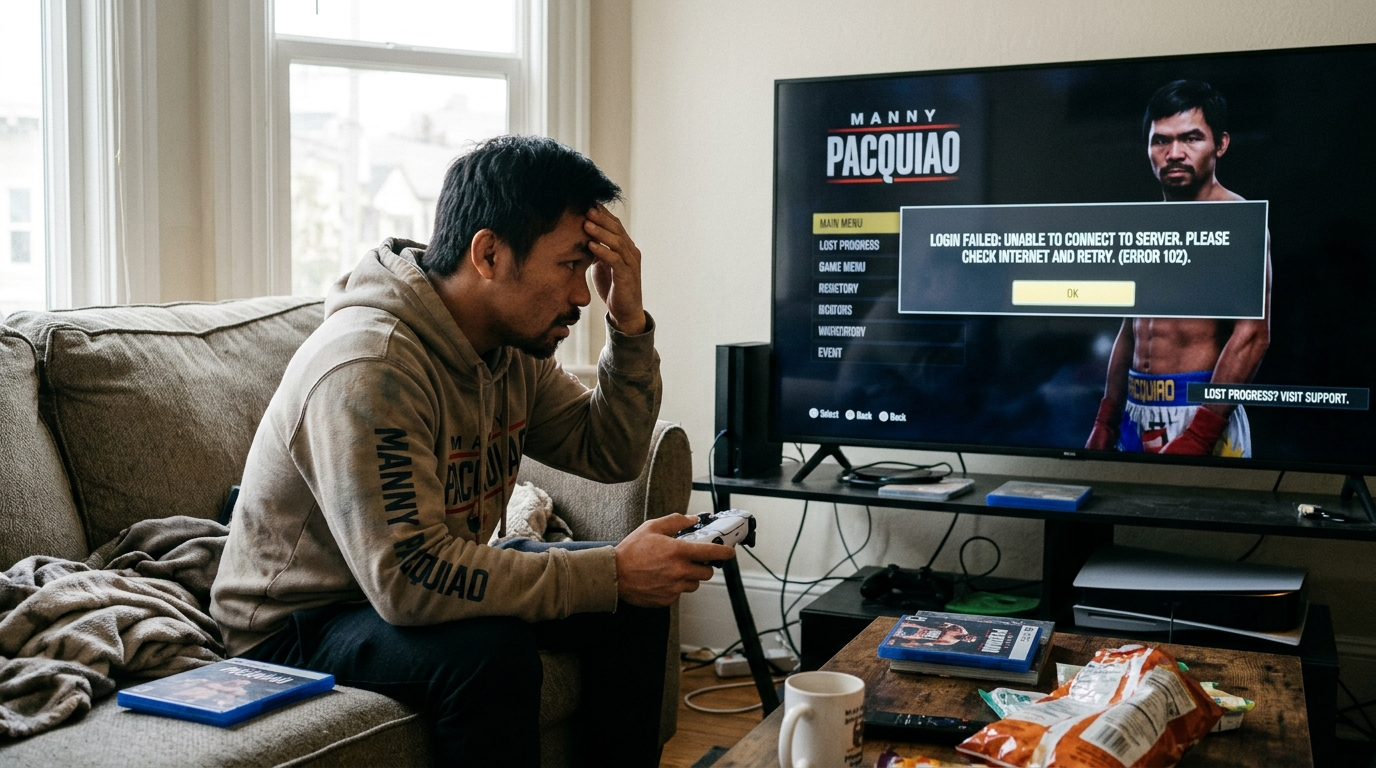
Career Mode in the Pacquiao Boxing Game: Progression and Title Fights
Career mode is the core single-player experience. You start as an unranked boxer and work your way up to world championship belts. Every win earns experience, cash, and stat boosts.
Progression happens in stages. For example, you may need a set number of wins before a title shot unlocks. Losses can slow your rank, so plan each fight carefully.
- Early fights: Practice basic combinations against lower-rated opponents.
- Title fights: Unlock after you meet the rank requirement.
- Unlocks: Earn new gear, fighting styles, and boxers as you advance.
Tip: Spend your first few fights focusing on defense. Consistent wins matter more than flashy knockouts.
Arcade Mode: Faster Rounds and Simple Scoring
Arcade mode strips boxing down to fast, direct action. Rounds run shorter than career bouts, so every punch counts. Scoring is simplified, and points come mainly from landed punches and knockdowns.
This mode suits short play sessions. For instance, you can finish a full match during a coffee break. In addition, it lets you test combos without committing to a long career run.
Best practice: Use Arcade to sharpen your timing before entering career fights.
Quick Fight: Jump Into the Ring
Quick Fight gets you into a match in seconds. Pick a boxer, choose an opponent, and start throwing punches. Menus and long setup screens are skipped entirely.
Quick Fight works well for learning new controls. Therefore, it is a smart choice after an update or when you switch boxers. However, rewards are usually smaller than career payouts.
Multiplayer: Matchmaking and Connections
Multiplayer lets you face real opponents online. The matchmaking system pairs you with players of similar boxer ratings. As a result, fights usually feel balanced.
A stable connection is essential. Wi-Fi generally performs better than mobile data. If lag appears, close background apps and restart the match.
Tip: Matchmaking can slow during peak hours. Playing at off-peak times often means faster matches.
manny pacquiao boxing game Strategy: When to Block, Dodge, or Clinch
Reading Opponent Patterns and Stamina in the Pacquiao Boxing Game
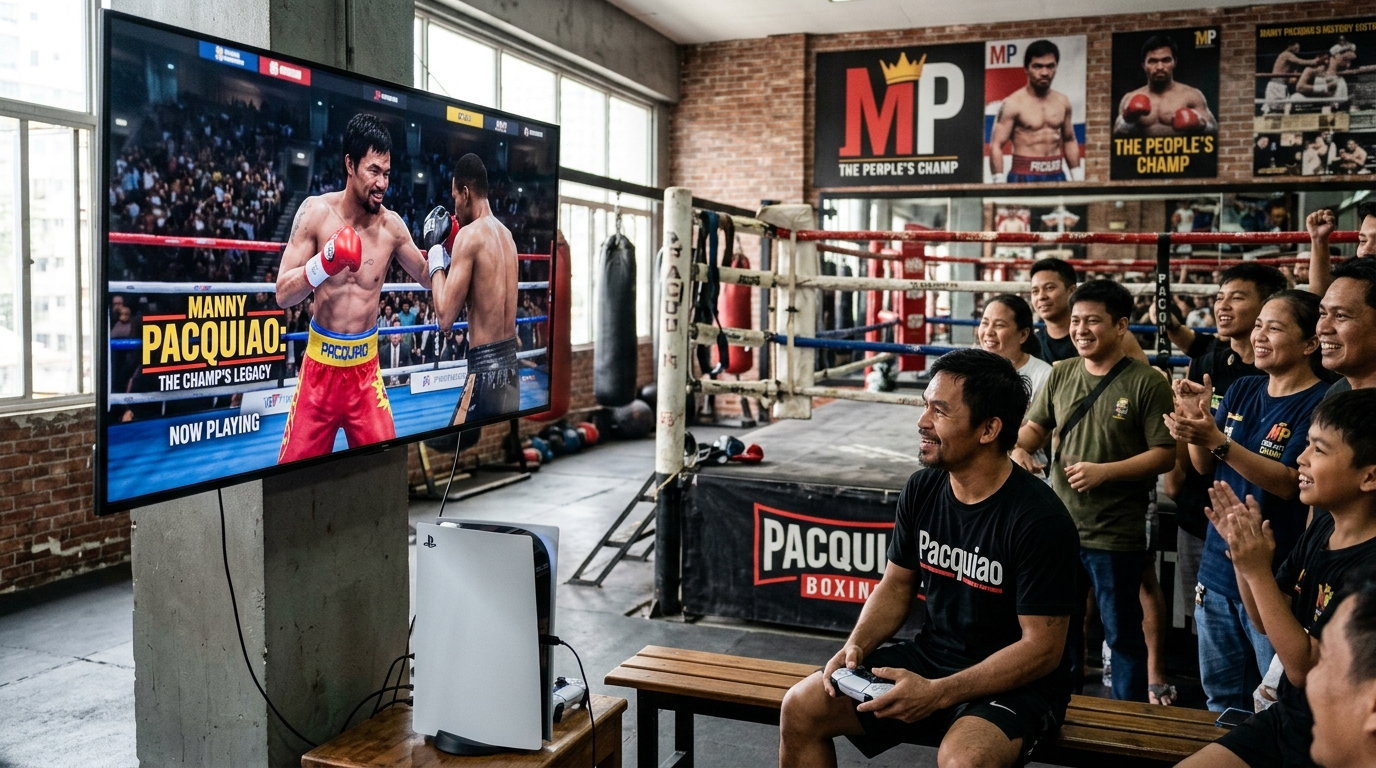
Every opponent follows a rhythm. Watch the first round closely before committing to big combinations.
- Jab-heavy fighters throw quick, light punches before a heavier shot.
- Counter-punchers wait for you to commit, then strike back.
- Aggressive fighters rush forward and swing wildly.
Also keep an eye on the opponent’s stamina bar. When it drops low, their guard often weakens. For example, if a tired opponent drops their hands, that opening is your chance for a power punch.
Blocking Versus Dodging
Blocking absorbs damage but drains your own stamina over time. Dodging avoids the hit completely, but it requires good timing.
- Block when a fast punch is coming and you cannot move out of range.
- Dodge when the opponent winds up a big hook or overhand.
- Block more when your stamina is low and you need to conserve energy.
However, dodging too often leaves you open for counters. Therefore, mix your defensive moves instead of repeating the same one.
Using Clinches to Recover
A clinch holds the opponent close and smothers their attacks. It gives you a few seconds to regain stamina.
Use a clinch when:
- Your stamina bar is nearly empty.
- The opponent lands several punches in a row.
- You need a short breather before the round ends.
Avoid clinching constantly. In addition, some modes may penalize excessive clinching, so review the rules before you play.
Beginner Tactics for Early and Late Rounds
Early rounds are for learning. Test the opponent with jabs and study their habits. Save your strongest combinations for later.
Late rounds are different. Stamina usually decides the outcome. As a result, conserve energy by blocking more and throwing fewer wild punches.
Quick round-by-round plan:
- Round 1: Jab, observe, and avoid big swings.
- Middle rounds: Start combinations when the opponent drops their guard.
- Final rounds: Attack hard when the opponent’s stamina bar runs low.
Gym, Customize, and Store: Building Your Boxer
Training Your Stats in the Pacquiao Boxing Game’s Gym
The gym is where your boxer grows stronger. Each session improves specific attributes, such as power, speed, stamina, and defense. Choose drills that match your fighting style.
For example, a counter-puncher benefits from defense and reflex drills. A volume puncher needs stamina and speed.
Training tips:
- Focus on one or two priority stats at a time.
- Complete key sessions before a big fight to keep energy high.
- Skip training when your boxer is fatigued, since gains drop.
Moreover, read the stat preview before confirming a drill. It shows the expected gain and any energy cost.
Customizing Your Boxer’s Look
Customization lets you personalize your boxer’s appearance. Common options include trunks, gloves, hairstyles, and robes. Some items change only the look, while others come from specific rewards.
Therefore, pick a style you enjoy. However, do not assume cosmetics improve performance unless the item description says so.
Store Basics and Avoiding Wasted Currency
The store sells gear, cosmetics, and training boosts. Prices depend on item rarity and purpose. Spending without a plan often leads to regret.
Follow these steps to spend wisely:
- Save currency for core upgrades that improve your main stats.
- Compare prices before buying any item.
- Review limited-time bundles carefully, because they are not always good value.
- Avoid cosmetic purchases until your boxer’s stats are stable.
As a result, your progress stays steady and you unlock better gear sooner. In addition, never buy currency from unofficial sellers or share your login details. These are common scams.
Control Reference Summary
| Area | Main Action | Quick Tip |
|---|---|---|
| Gym | Start a training session | Match drills to your fighting style |
| Customize | Equip an outfit | Preview before saving |
| Store | Purchase an item | Check value and skip unnecessary bundles |
| Progress | Confirm a purchase | Keep a currency reserve for upgrades |
Troubleshooting Common Problems: Login, Connection, and Lost Progress
Fixing Google Play Games Sign-In Issues
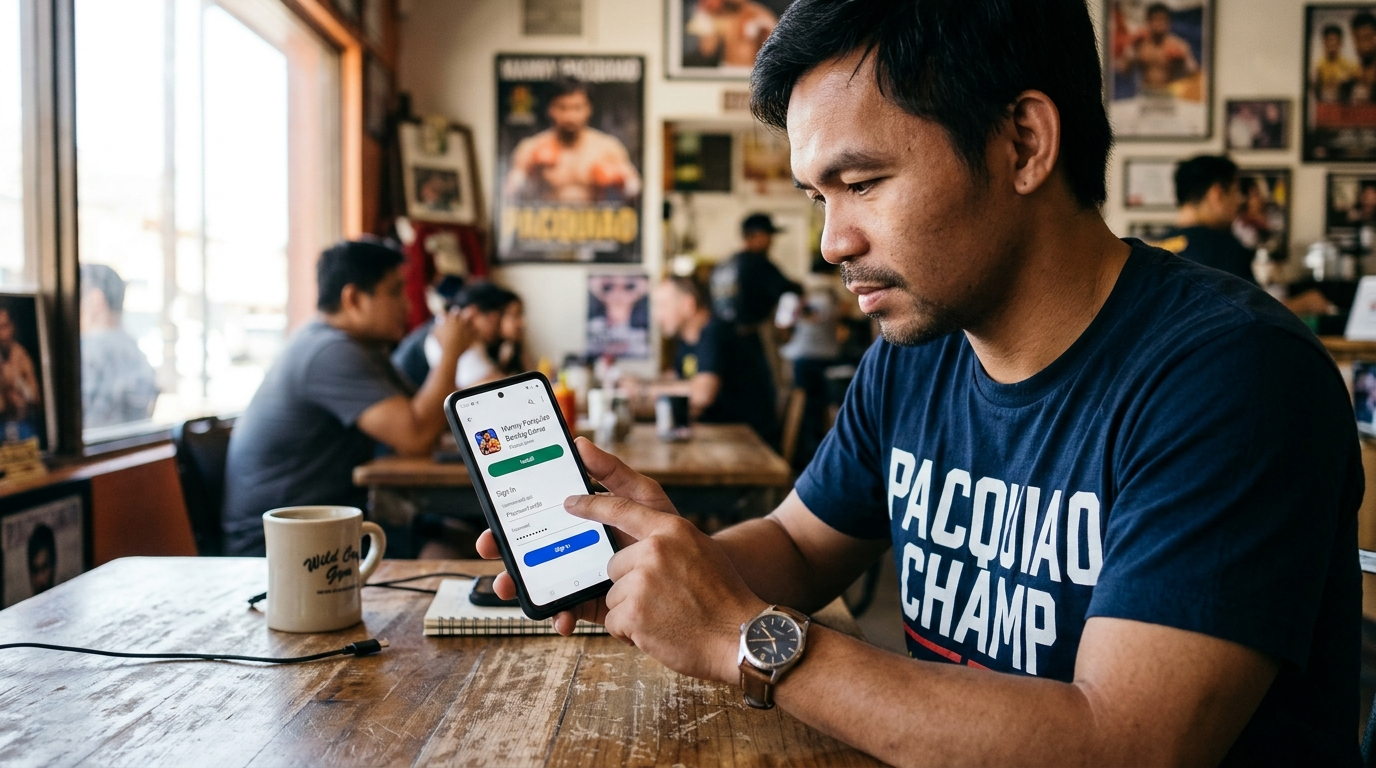
Sign-in problems usually come from the wrong account or outdated software. Try these checks first:
- Confirm your Google account. Many players use more than one Gmail address. Sign out and sign back in with the account linked to your progress.
- Update Google Play Games. Open the Play Store, search for Google Play Games, and tap Update if it appears.
- Check your date and time. Incorrect device settings can block secure logins. Turn on automatic date and time in your phone’s settings.
For example, if your account seems empty after signing in, you may have used a second Gmail address. Switch accounts before assuming the data is gone.
Resolving Connection and Lag Problems
Connection errors often happen when your network is unstable. Therefore, test your connection before blaming the game.
- Switch between Wi-Fi and mobile data.
- Move closer to your router.
- Restart your phone to clear background processes.
- Close other apps running in the background.
Lag during fights usually comes from a overloaded device. In addition, lower the graphics settings in the in-game options if available. Free up storage as well, because a phone with very little free space may stutter.
Recovering Lost Progress Safely
Progress usually syncs to your Google account when cloud save is active. However, sync can take a few minutes after you reconnect. Consequently, give it time before assuming your data is lost.
To clear the cache safely:
- Open Settings, then Apps, then the game.
- Tap Storage, then Clear cache.
Clearing the cache removes only temporary files. Avoid Clear storage or Clear data unless you have confirmed your progress is saved online. Those options can erase local progress permanently.
Tip: Before any cleanup, note your account email and take screenshots of your records.
When to Contact Support
If problems continue after these steps, contact support. Having the right details ready speeds up the process. Prepare the following:
- Your device model and Android version
- The Google account email you use
- A screenshot of the error message
- A list of the steps you already tried
manny pacquiao boxing game Requirements and Version Notes
Pacquiao Boxing Game Device Requirements
Check your phone before you install anything. Open the Google Play listing and look under About this app for the minimum Android version. Your device must meet or exceed that number.
Confirm these basics:
- Android version: Your phone must run the minimum version shown on the store page.
- Free storage: Keep several gigabytes open for the download and future updates.
- Internet connection: Stable Wi-Fi or mobile data is needed for sign-in and online play.
- Processor and memory: Newer chipsets handle detailed 3D fights more smoothly.
Older phones may still run the title. However, expect lower frame rates and occasional stutters.
Pacquiao Boxing Game Storage and Performance Tips
Boxing games use large textures and animations. Free space before installing to avoid failed downloads.
For example, uninstall apps you no longer use or move photos to cloud storage. Then restart your phone before launching the game.
Try these performance habits:
- Close background apps so the game gets more memory.
- Lower graphics settings in the options menu, if available.
- Disable battery saver during long Career sessions.
- Avoid charging while playing, since heat can slow your processor.
Consequently, your fights will run smoother and feel more responsive.
Checking Your Current Version
Knowing your version helps you troubleshoot and compare patch notes. Here is how to check it:
- Open Google Play and tap your profile icon.
- Select Manage apps and device, then Manage.
- Tap the game to see its installed version number.
You can also find the version number in the in-game settings menu. Compare it with the latest version on the store page. If they differ, an update is waiting.
Why Pacquiao Boxing Game Updates Change Controls and Modes
Updates often fix bugs, rebalance punch damage, or add new fighters. As a result, controls may feel different after a patch.
For example, a developer might tighten the timing window for swipes. In addition, a game mode may gain new rules or rewards.
To adapt quickly:
- Read the patch notes before playing.
- Practice in Quick Fight to relearn timing after major updates.
- Avoid rushing into ranked or multiplayer matches until you feel comfortable.
Ready to put these tips into practice? Get started with the latest version today.
Thank you for reading our guide about manny pacquiao boxing game.
Frequently Asked Questions
How do I download the manny pacquiao boxing game on Android?
Open the Google Play Store app, search for the game’s name, and confirm that the publisher matches the official listing before tapping Install. Check the star rating and the date of the latest update, since a recently updated app usually means the developer actively supports it. Make sure you have enough free storage and a stable Wi-Fi connection, because sports games with detailed graphics and sound files need more space than simple apps. Once the download finishes, tap Open. The first launch may take longer because the game can download extra data before the main menu appears. Avoid copycat apps with similar icons, as they often request permissions the real game does not need.
What are the basic controls in the Pacquiao boxing game?
The game uses touch-friendly controls designed for phone screens. You combine swipes and on-screen buttons to throw punches, block, and dodge incoming attacks. Swipes generally handle punching direction, while buttons cover defensive moves such as blocking or clinching. Learning the controls is easiest in Arcade mode, which lets you practice without the pressure of a full career. Pay attention to timing, because wild, constant punching drains your stamina quickly. Watch your opponent’s first few moves in each round and commit to combinations only after you spot a pattern. Patient defense followed by well-timed attacks often beats aggressive, nonstop punching.
Which game modes are available, and which should beginners try first?
The game offers four main modes: Career, Arcade, Quick Fight, and Multiplayer. Career mode is the long-term path, where you develop a fighter over several weeks through bouts, gym training, and upgrades. Arcade mode focuses on fast, straightforward fights and is the best starting point for newcomers. Quick Fight suits short sessions, such as a five-minute break during a commute. Multiplayer lets you test your skills against other players. Beginners should start with Arcade to learn the core controls and timing, then move to Career once they feel comfortable reading opponents and managing stamina. This approach builds confidence without overwhelming new players.
What should I do if I cannot sign in or the game keeps disconnecting?
Start by confirming that your device has a stable internet connection, since switching between Wi-Fi and weak mobile data often causes sign-in failures. Next, close the app completely, reopen it, and try signing in again. Make sure the game is fully updated through the Google Play Store, because outdated versions can cause connection errors. Restarting your phone can also clear temporary problems. If you lose progress after reconnecting, check that you signed in with the same account you used before, as progress is tied to that account. If problems continue, clear the app’s cache in your device settings or reinstall the game, and contact the official support channel listed in the app.