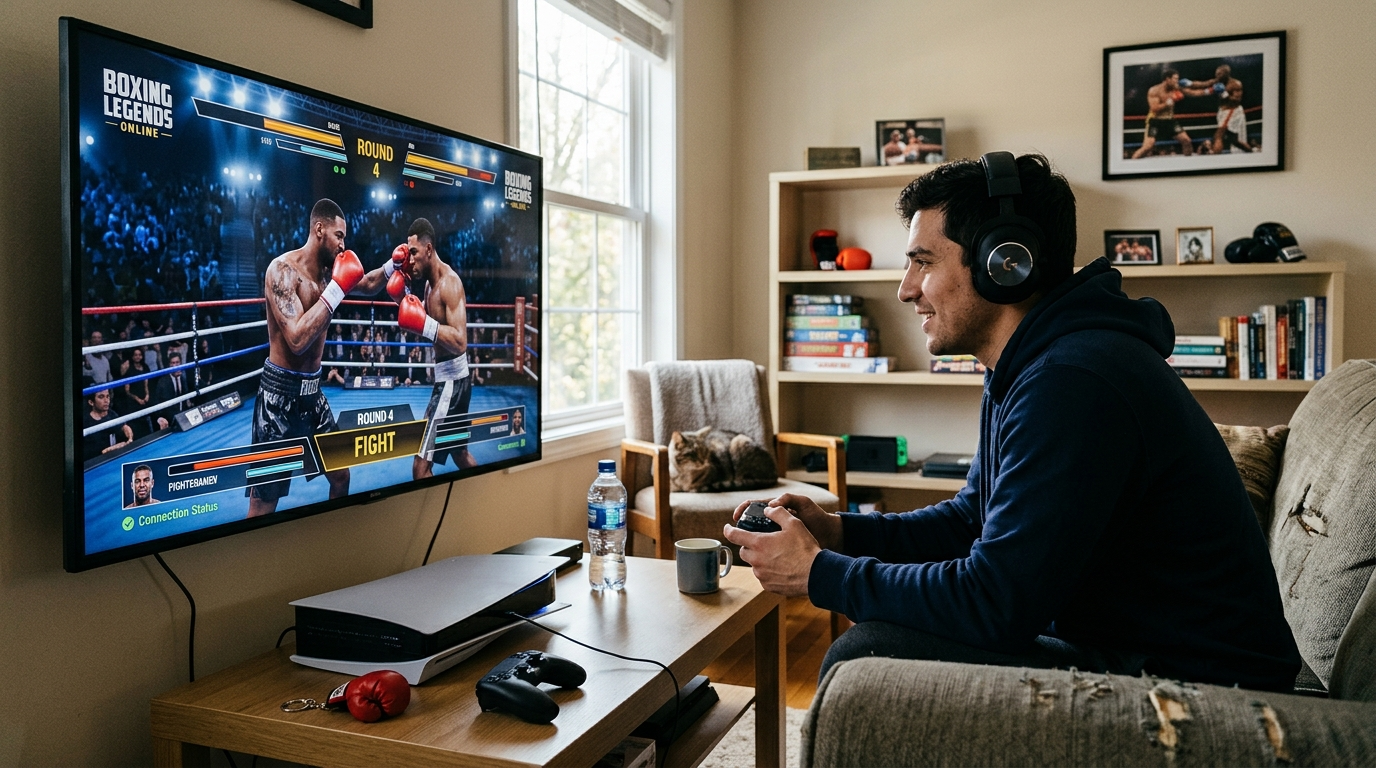
Boxing games online let you throw punches from a browser or phone without downloading heavy software, which makes them one of the easiest ways to get a quick sports fix. Some titles, such as Real Boxing 2, offer career progression and character customization, while browser-based picks focus on fast, no-install matches you can start in seconds. This guide explains what to expect from each option, including controls, device requirements, ads, offline play, and multiplayer support, so you can choose a game that fits your time and taste.
Boxing Games Online: What They Are and How They Work
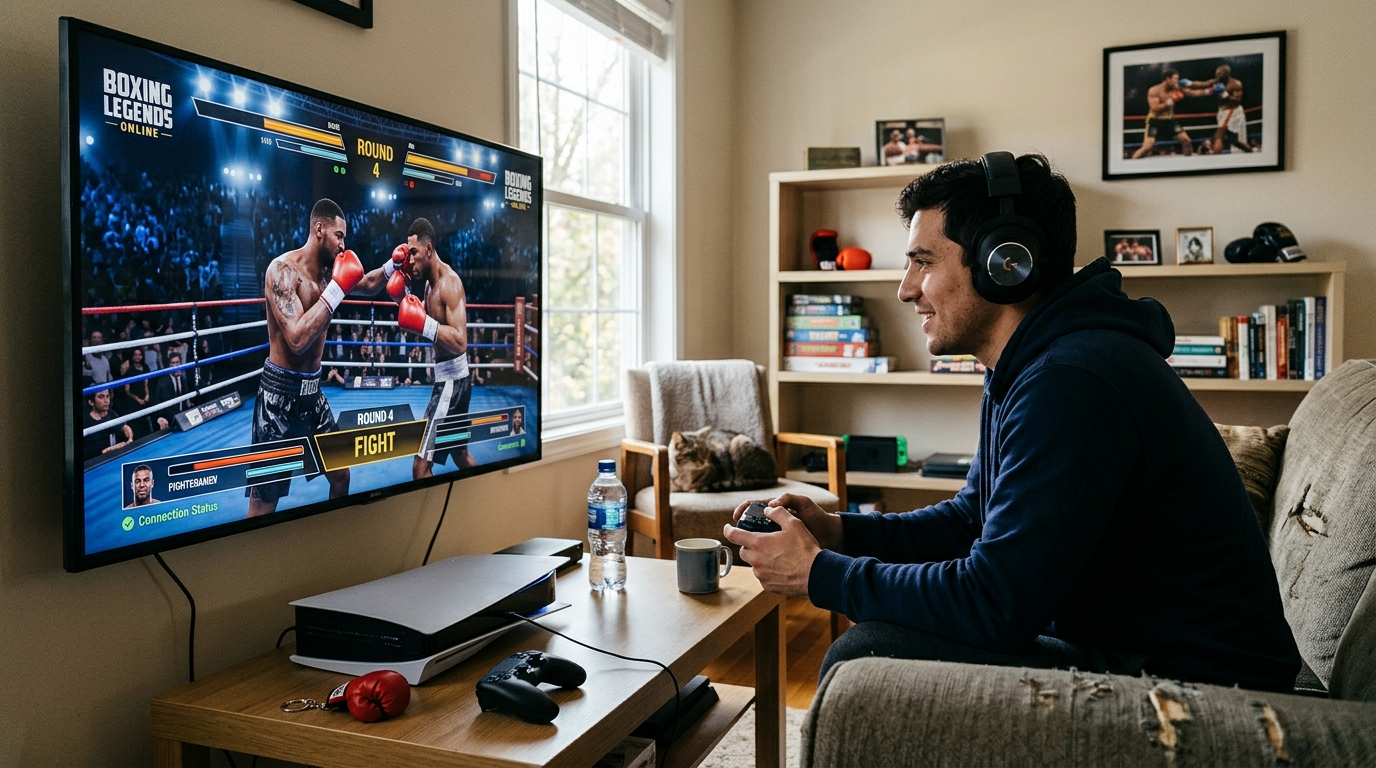
Online boxing titles let you throw punches without installing heavy software. You open a page or app, pick a fighter, and step into the ring. Understanding how these games are built helps you choose the right one.
Browser-Based vs. Downloadable Boxing Games
Browser-based games run directly in Chrome, Firefox, or Edge. They use modern web technologies, so there is nothing to install. Quick arcade bouts often load in seconds.
Downloadable games install on a PC, console, or phone. They offer sharper graphics, larger rosters, and deeper features. The trade-off is storage space and a longer setup.
Tip: Start with a browser title to test your interest. Switch to a download if you want longer sessions.
Common Subgenres of Boxing Games to Know
- Arcade brawlers: Fast, exaggerated fights with simple controls. Expect power-ups, combo meters, and dramatic knockouts.
- Boxing simulations: Realistic timing, stamina management, and footwork. Defense and rhythm matter more than button mashing.
- Career modes: You build a fighter from amateur bouts to championship belts. Training choices shape your stats over time.
Many modern titles mix these styles. For example, a simulation might include a career mode with arcade-style special punches.
Why Short Sessions Work So Well
Boxing games fit easily into short breaks. A single round lasts about two minutes. Therefore, you can finish a meaningful match in under ten minutes.
Matches also end at clear points. You can stop after any round without losing much progress. Moreover, many titles save career data automatically, so you can resume later.
Best practice: Decide on a fight limit before you start, such as three bouts. This keeps a quick session from turning into an hour of play.
Best Boxing Games Online to Play Right Now
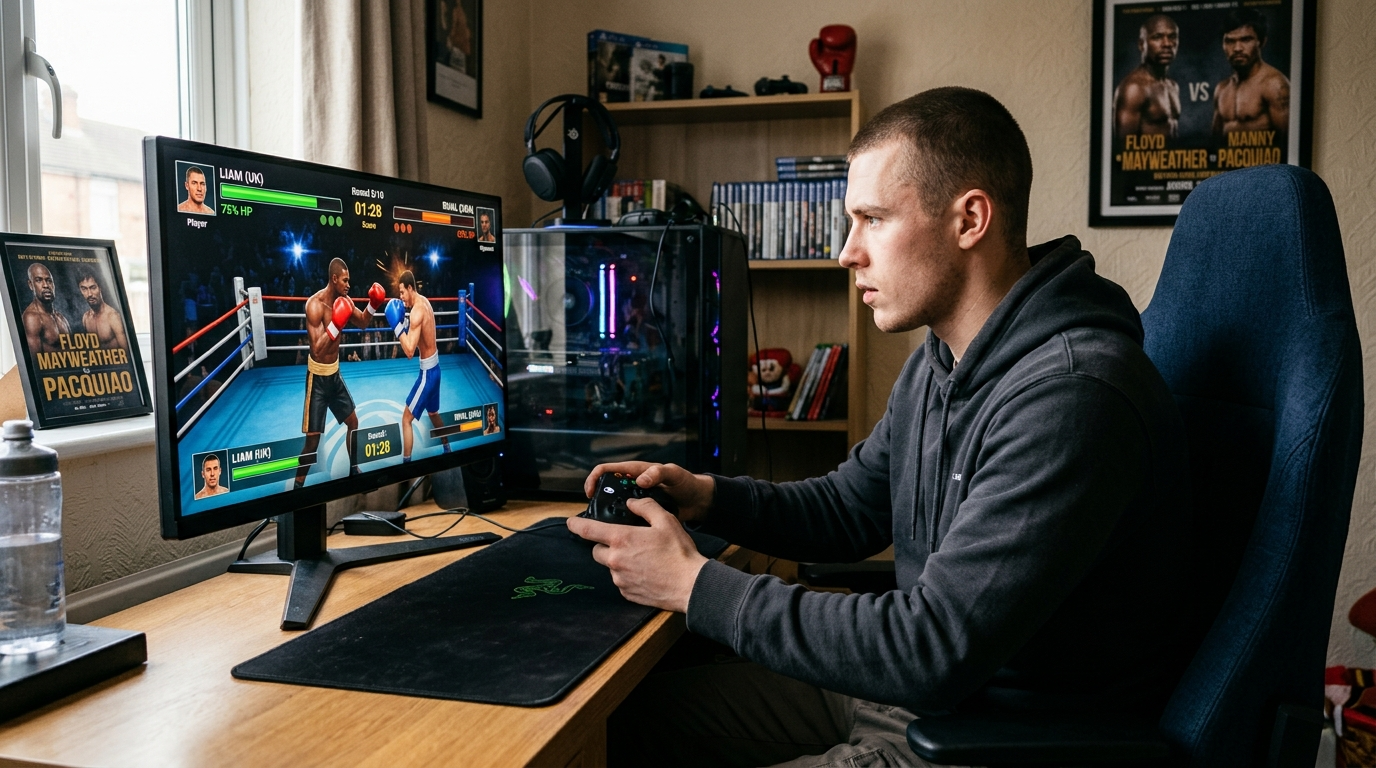
Real Boxing 2 Games for Career Players
Real Boxing 2 suits players who want depth. Its career mode lets you build a fighter from the ground up. You train, climb the rankings, and face tougher opponents over time.
Customization is another major draw. You can change your boxer’s appearance, gear, and stats. Many players enjoy shaping a unique fighter that reflects their own style.
The graphics also stand out. Fights look detailed, with smooth animations and convincing lighting on modern phones.
Big Shot Boxing Games for Quick Matches
Big Shot Boxing focuses on arcade-style action. Matches are short and easy to pick up. Therefore, it works well during a lunch break or a short commute.
Tap-based controls keep the pace fast. Each punch feels responsive and rewarding. For example, landing a clean combo can trigger a satisfying knockdown in seconds.
Realistic Fights in Boxing Live
Boxing Live aims for realism. Fights reward timing, footwork, and defense rather than button mashing. In addition, online matches pit you against real opponents.
Online competition adds pressure. Ranked matches push you to refine your technique. As a result, your skills often improve faster than in offline modes.
Free Browser Picks on CrazyGames
CrazyGames offers free boxing titles that run directly in your browser. No download is required. This makes it ideal for quick sessions at school or work, where installs may be blocked.
Load times stay short. However, browser games usually have simpler graphics than downloadable apps. Expect fun gameplay rather than premium visuals.
PC Options for Bigger Screens
Playing on a PC offers a larger view of the action. Keyboard or controller input can feel more precise. Moreover, PC versions often run at higher frame rates for smoother motion.
Keep these tips in mind:
- Use a controller for more natural punching motions.
- Check system requirements before downloading anything large.
- Try free demos first to test controls and performance.
In short, each option serves a different player. Choose based on your device, your schedule, and how much depth you want.
Controls and How to Play: A Beginner’s Walkthrough
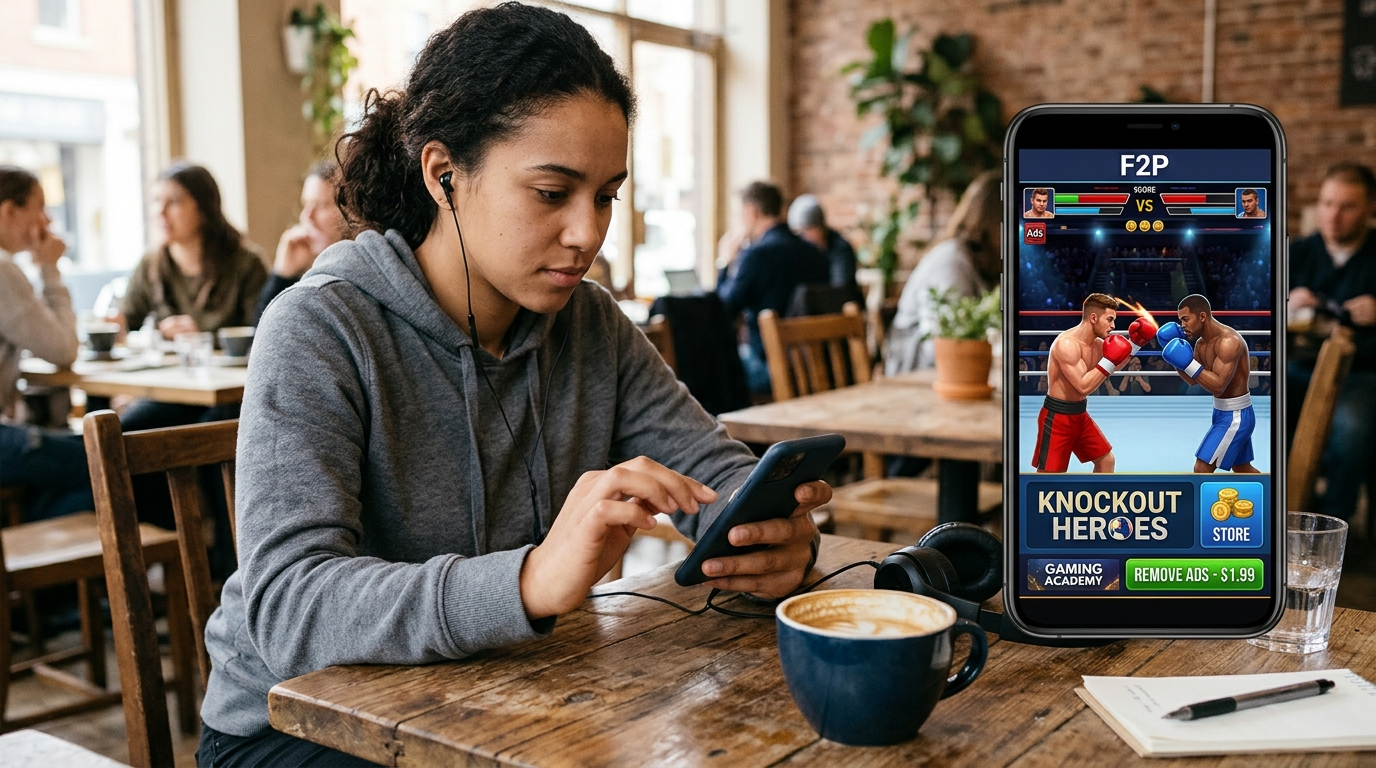
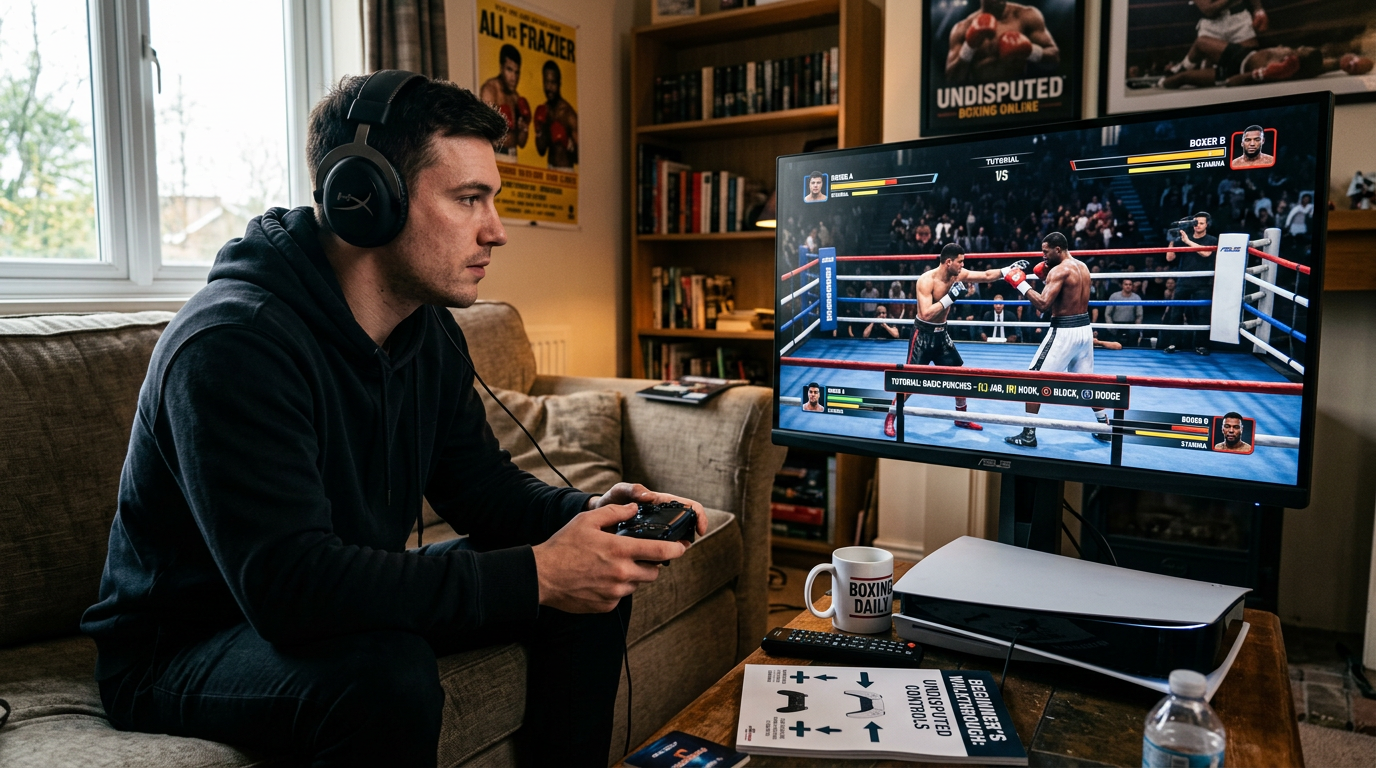
Most online boxing games share a simple core. You throw punches, guard your face, and slip incoming attacks. Mastering these three actions first makes everything else easier.
Basic Punches, Blocks, and Dodges
Start by learning the main moves:
- Jabs: Quick, light punches. Use them to measure distance and set up bigger shots.
- Hooks and crosses: Stronger punches that deal more damage but leave you open.
- Blocks: Hold the guard input to reduce incoming damage.
- Dodges: Slip or duck to avoid a punch. Timing matters more than speed.
For example, throw a jab, then follow with a cross. If your opponent winds up a big hook, block or slip before it lands. However, constant swinging wastes energy. Consistent defense usually beats wild attacks.
Touch Controls vs. Keyboard and Gamepad Setups
Your device determines how you control your fighter. Each option has trade-offs.
- Touch controls: Many mobile games use swipes to punch and taps to block. They are convenient, but they can feel imprecise during fast exchanges.
- Keyboard: Maps punches and guards to specific keys. It offers quick, precise inputs on a computer.
- Gamepad: Uses buttons and analog sticks. Moreover, it feels natural for many players who already know console-style controls.
Tip: Check whether the game allows custom button layouts before you begin. Remap the most-used punches to keys or buttons that feel comfortable. Similarly, adjust touch sensitivity if swipes register too late or too early.
Career Modes in Boxing Games and Road To Glory-Style Progression
Career modes let you build a fighter over time. Road To Glory-style systems usually follow a clear path:
- Create your boxer: Choose starting stats such as speed, power, and stamina.
- Win fights: Victories earn money, experience, or rankings.
- Upgrade skills: Spend rewards on training to strengthen weak areas.
- Move up: Tougher opponents appear as your rating climbs.
As a result, steady improvement matters more than one lucky win. Therefore, pick fights that match your current skill level. Instead of rushing into top-tier opponents, build your stats gradually.
Difficulty Tips for First-Time Players
The difficulty curve can feel steep at the start. Use these habits to ease in:
- Start on the easiest setting. Learn timing before you raise the challenge.
- Practice in training mode. Repeat one combo until it feels natural.
- Watch your stamina. Throwing every punch drains energy quickly.
- Study your opponent. Notice patterns, such as a fighter who always attacks after a pause.
For instance, if you keep losing to a fast boxer, stay light on your feet and jab more often. In addition, take short breaks between sessions. Fatigue leads to sloppy inputs, and sloppy inputs lead to frustrating losses.
Device Requirements, Performance, and Connectivity
Before you start throwing punches, check whether your device can run the game smoothly. Most titles work on common hardware, but performance varies widely. Knowing the requirements saves time and frustration.
Minimum Specs for Boxing Games on Mobile and PC
Mobile devices:
- Android 8.0 or newer, or iOS 13 or newer
- At least 3 GB of RAM
- 1 GB of free storage for the app and cache
PC and browser play:
- Windows 10, macOS 11, or newer
- Dual-core processor with 4 GB of RAM
- Integrated graphics, such as Intel UHD, for basic 3D visuals
- Latest Chrome, Edge, or Firefox with WebGL enabled
Exact requirements differ by game. Always check the store listing before downloading. For example, a phone from the last four years usually handles simple boxing graphics without trouble. Older devices may need lower visual settings.
Online Boxing Lag Fixes
Lag often appears after 20 or 30 minutes of play. Heat, background apps, and memory buildup are common causes. Try these steps:
- Close background apps before launching the game.
- Lower graphics quality to medium or low.
- Keep your device cool by removing thick cases and avoiding charging during matches.
- Restart the game every 30 to 45 minutes.
- Switch to Wi-Fi instead of mobile data when possible.
On supported phones, enable performance or gaming mode. This setting directs more processing power to the game. Additionally, reducing screen brightness can lower heat and help maintain steady frame rates.
Offline Play vs. Online Modes
Many titles include offline options, such as training modes, career progression, or single-player tournaments. These need no connection after download. Multiplayer, however, depends entirely on your network.
Connection guidelines for multiplayer:
- Ping under 100 ms is ideal for responsive punches and blocks.
- Ping between 100 and 150 ms is usually playable.
- Packet loss under 1% keeps movement smooth.
As a result, a wired Ethernet connection or a 5 GHz Wi-Fi network delivers the most consistent results. Run a quick speed test before ranked matches. If ping spikes, move closer to your router or pause downloads on other devices.
Free-to-Play, Ads, and In-App Purchases Explained
How Often Ads Appear in Boxing Games
Free boxing games usually show ads between matches, after rounds, or on the main menu. Some display short video ads that you can skip after a few seconds. Others place banner ads beside the game screen.
Ad frequency depends on the game’s design. For example, a title that rewards you for watching optional videos often interrupts less than one that forces pop-ups.
Ways to reduce interruptions:
- Pick games with rewarded ads. These let you choose whether to watch an ad in exchange for coins or energy.
- Check the settings menu. Some games offer a “reduce ads” or “remove ads” option.
- Use an ad blocker. This works in many browser-based games, though a few block play when detected.
- Finish full bouts. Many games show ads only when you exit a match, so playing through can limit breaks.
What In-App Purchases Usually Unlock
In-app purchases in boxing games typically sell cosmetics, currency, or faster progression. Common items include boxer skins, gloves, training gems, and energy refills.
Whether progress is paywalled depends on the game. In a fair title, you can unlock most fighters through regular play. In a paywalled title, key fighters or modes stay locked until you pay.
Free vs. Premium and Judging Fair Monetization
Free-to-play games cost nothing to start. They earn money through ads and purchases. Premium games charge once upfront and usually contain no ads or purchase prompts.
To judge fairness, ask yourself these questions:
- Can I unlock every main fighter without paying?
- Do purchases only speed up progress, or do they change match results?
- Are ads limited to natural breaks between matches?
- Does the game show clear prices before any purchase?
However, some games do sell advantages. Pay-to-win designs give paying players stat boosts that free players cannot match. As a result, matches feel unfair for everyone else. Check player reviews for complaints about pricing before you invest time or money.
Tip: Set a monthly spending limit, and turn off one-click purchases in your device’s app store settings.
Female Boxing Games Online and Unblocked Access Options
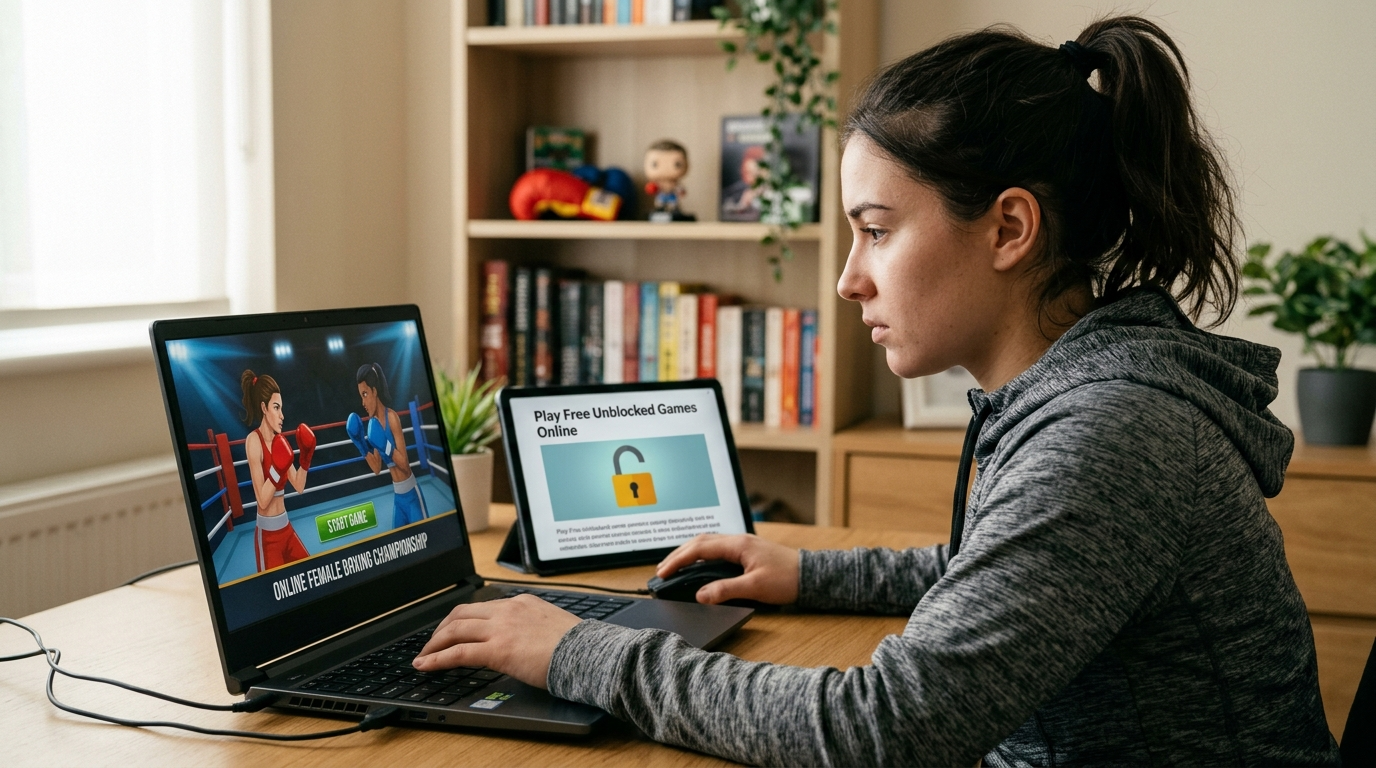
Female Fighter Rosters in Boxing Games
Many browser-based boxing games now include women fighters alongside male roster options. The best rosters go beyond recolored outfits. Look for real differences in style, build, and story.
Consider these qualities when choosing a game:
- Distinct fighting styles: Some women fighters rely on speed and footwork, while others favor heavy power punches.
- Varied body types: Lighter and heavier fighters encourage different strategies.
- Unique backgrounds: Character profiles from different countries and training histories add depth.
- Customization: Gloves, trunks, and ring entrances let players personalize their fighter.
For example, a fast southpaw with quick jabs suits beginners. A heavier puncher rewards patient timing. Check the character select screen before you start, so you can compare stats.
Unblocked Access at School and Work
Schools and workplaces often use web filters to limit distractions. These filters may block gaming sites, entertainment categories, or pages with heavy advertising. Some networks also restrict the technologies browser games need.
Common restrictions include:
- Category blocks: Gaming and entertainment sections are often filtered entirely.
- Domain blocks: Individual game sites appear on blocklists.
- Bandwidth limits: Graphics-heavy games may load slowly or disconnect.
- Device rules: Managed laptops may block plugins or browser extensions.
When a site is blocked, players usually see an error page instead of the game. As a result, many search for “unblocked” copies. However, these unofficial mirrors can contain malware or collect personal data. Avoid them.
Safe and Legal Ways to Play on Restricted Networks
Bypassing network rules with proxies or VPNs often breaks school or employer policies. Therefore, start with approved options that protect your access and your device.
- Ask your IT department. Request access for a specific game, such as a supervised fitness break or a team activity.
- Use personal devices carefully. Confirm your policy allows personal devices before playing the official site.
- Look for offline versions. Some boxing games offer downloadable or offline modes.
- Use approved educational platforms. Teachers sometimes allow game-based fitness or sports tools that have been vetted.
Tips for safer play:
- Avoid sites that demand unexpected downloads or unknown logins.
- Confirm the URL matches the official developer and uses HTTPS.
- Keep your browser updated to reduce security risks.
Boxing Games Online for Kids and Families: Safety Tips
Picking Age-Appropriate Boxing Games
Not every boxing game suits young players. Cartoon-style titles usually work best for younger kids. Realistic simulators often include bloody knockouts and adult trash talk.
When choosing a game, look for these themes:
- Cartoon or arcade style: Exaggerated characters and simple punches keep the mood light.
- Sports focus: Games built around timing and footwork teach patience and discipline.
- No gore: Knockdowns should show stars or dizzy animations, not injuries.
For example, a seven-year-old may enjoy a bright arcade boxer with silly opponents. Teenagers may handle more realistic matches. Therefore, play the game yourself for ten minutes before handing it over.
Reading Ratings and Spotting Mature Content
Age ratings offer a quick starting point. Check the label on the game page, such as ESRB, PEGI, or the app store rating. However, ratings do not always tell the full story.
Watch for these warning signs:
- Descriptions mentioning “mature,” “violence,” or “blood”
- Suggestive character outfits or skins
- Comedy built on insults or crude adult jokes
- Player-created content with little moderation
Moreover, read reviews written by parents. They often mention language or content that official ratings miss. As a result, you can avoid surprises during playtime.
Controlling Ads, Purchases, and Chat
Free games often rely on ads and in-app purchases. Set limits before your child starts playing.
- Ads: Pick games with kid-safe ad settings, or enable device-level ad restrictions.
- Purchases: Require a password for every buy in your device settings. This stops unapproved spending.
- Online chat: Turn off voice and text chat, or allow contact only with people your child knows offline.
For instance, phones and tablets include built-in parental controls that block purchases. On consoles, set online communication to “friends only.” In addition, review the friend list together each week.
Set these controls once, then check them regularly. Games and updates can change settings without warning.
See the offer and find a family-friendly match you can enjoy together.
Thank you for reading our guide about boxing games online.
Frequently Asked Questions
Do I need to download anything to play boxing games online?
Not always. Browser-based boxing games run directly in Chrome, Firefox, or Edge, so there is nothing to install. You open the page, pick a fighter, and start a bout, often within seconds. Downloadable titles are different. They install on a PC, console, or phone and usually offer sharper graphics, larger rosters, and deeper features like career modes. The trade-off is more storage space and a longer setup. If you are unsure, start with a browser game to see whether boxing suits you, then move to a download if you want longer sessions.
What is the difference between arcade boxing games and boxing simulations?
Arcade brawlers focus on fast, exaggerated fights with simple controls. You can expect power-ups, combo meters, and dramatic knockouts, which makes them easy to pick up. Boxing simulations aim for realism. They reward timing, footwork, stamina management, and defense, so rhythm matters more than button mashing. Many modern titles blend the two. A simulation might include a career mode with arcade-style special punches. Your choice depends on what you want: quick, flashy fun or a more technical challenge that takes practice to master.
Are boxing games online good for short play sessions?
Yes. A single round lasts about two minutes, so you can finish a meaningful match in under ten minutes. Fights also end at clear points, which means you can stop after any round without losing much progress. Many titles save career data automatically, so you can pick up where you left off later. To keep a quick session from stretching into an hour, set a limit before you start, such as three bouts. This approach makes boxing games ideal for lunch breaks, commutes, or short gaps in your day.
Are boxing games online safe for kids to play?
Many browser-based boxing games are suitable for younger players, but parents should still check a few things first. Review the game’s content rating, look for ads or links that lead to unfamiliar sites, and check whether the game includes online multiplayer, since that can expose children to other players. Choose titles with simple, non-graphic fighting styles if you want a family-friendly experience. Set play-time limits, and use the browser’s built-in controls or a family safety tool to restrict access. Keeping sessions in a shared space also helps you stay aware of what your child is playing.